

If you have ever tried to quickly message someone online, you know the standard drill. You usually have to download an app, verify your phone number, set up a profile picture, and sync your contacts. For people you talk to every day, this makes perfect sense. But what if you just need to message someone once?
Maybe you are buying a used piece of furniture online, coordinating a quick meetup, or talking to a temporary contractor. Giving out your personal phone number to a stranger just to send a few quick texts often feels invasive and risky.
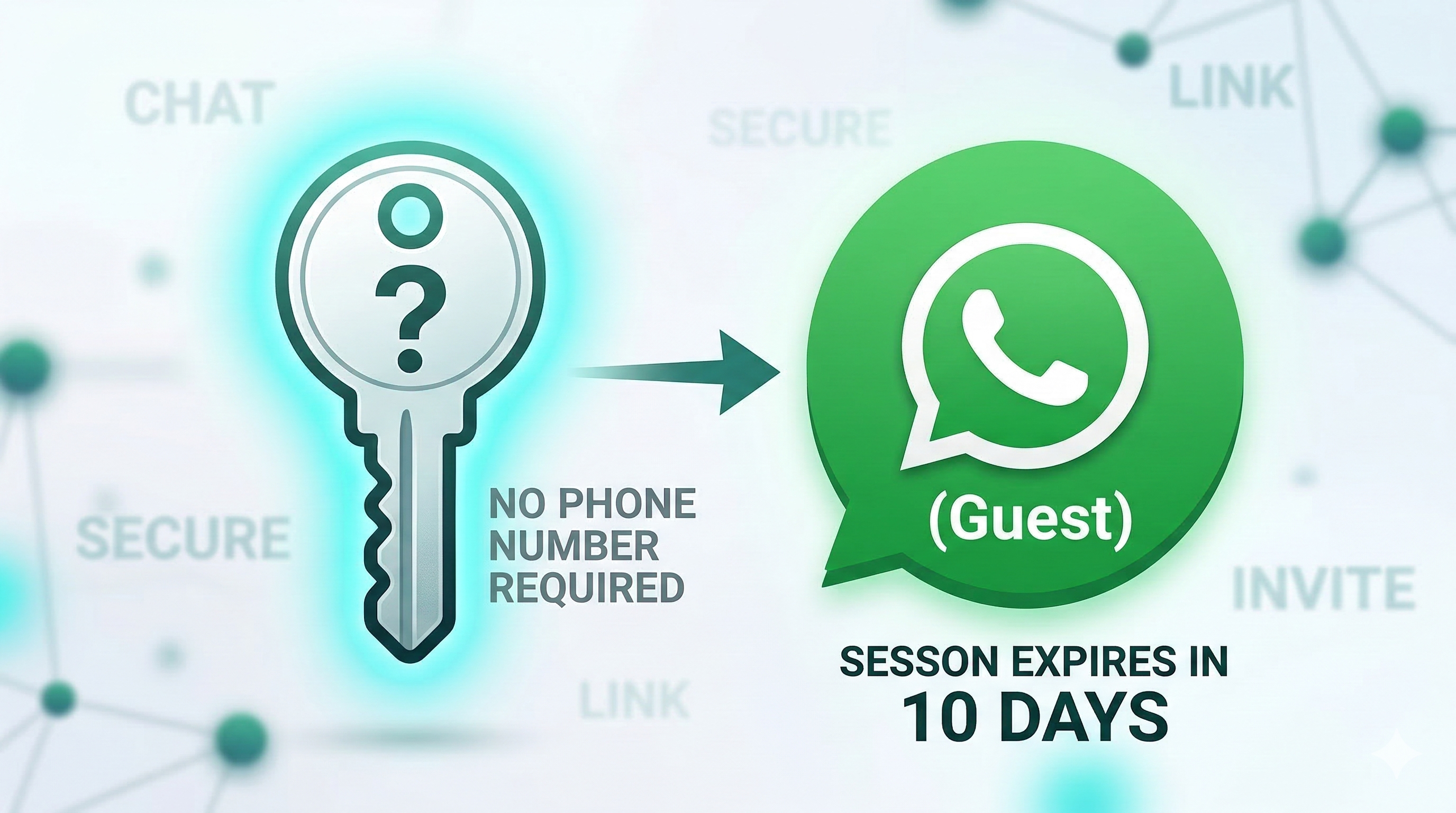
To solve this exact problem, the platform is actively testing a highly requested feature known as WhatsApp guest mode. This feature allows people to communicate directly through the app without ever needing to create a permanent account or hand over their personal phone number.
In this guide, we will break down exactly what this feature is, how it works in practice, and why it is a massive step forward for digital privacy.
The Problem With Mandatory Phone Numbers
From practical experience, the biggest hurdle to private messaging has always been the phone number requirement. Whenever you register for a major messaging service, your phone number acts as your digital identity.
While this prevents spam and makes it easy for your friends to find you, it also creates a privacy bottleneck. Your phone number is often tied to your social media accounts, your banking, and your physical identity. Handing it out to someone you just met on the internet is not always the smartest move.
Until recently, if you wanted to avoid giving out your primary number, you had to jump through hoops. People would download entirely different burner apps, buy secondary SIM cards, or rely on clunky email threads. WhatsApp guest mode eliminates all of this friction, allowing seamless communication while keeping your primary digital identity hidden.
What Exactly is WhatsApp Guest Mode?
At its core, WhatsApp guest mode is a temporary, invite-only gateway into the messaging network. It allows a registered user to invite an unregistered person to a secure chat session.
Instead of forcing the second person to go to the app store, download the app, and verify their phone number, the system simply generates a secure link. When the unregistered person clicks that link, they are dropped right into a secure chat interface. They can type messages, read replies, and have a completely normal conversation without ever officially joining the platform.
Many users notice that this feels very similar to how modern video conferencing works. If you host a Zoom or Google Meet call, you do not force your clients to create an account; you just send them a link, and they join as a guest. WhatsApp is bringing that exact same frictionless logic to instant messaging.
How Does It Work? A Step-by-Step Look
Because this feature is designed to be as simple as possible, the mechanics behind it are incredibly straightforward. Here is exactly how a typical interaction flows in real-world use:
Step 1: The Host Generates a Link
The process must always start with a registered user. If you have an active account, you can go into your settings and select an “Invite a friend” option. Instead of sending a generic SMS that tells your friend to download the app, the system generates a unique, secure chat link.
Step 2: Sharing the Link
You can then take this link and share it anywhere. You might paste it into an email, send it through a standard text message, or drop it into a direct message on a social media platform like Facebook or X (formerly Twitter).
Step 3: The Guest Joins
When the recipient clicks the link, they are not redirected to an app store download page. Instead, a temporary session opens up (often utilizing the web-based version of the platform). The guest will be asked to quickly accept the standard terms of service.
Step 4: Choosing a Display Name
Because the guest does not have a profile, they need to enter a temporary display name so the host knows who they are talking to. They can type in a real name, a first name, or an alias.
Step 5: The Chat Begins
Once the name is entered, the chat window opens. The guest can now message the host exactly as if they were a fully registered user.
Key Features and Intentional Limitations
If you are wondering why people wouldn’t just use guest mode permanently to stay anonymous, the answer lies in the feature’s strict limitations.
To maintain network security and stop automated spam bots from flooding the system, guest accounts are heavily restricted. They are designed exclusively for simple, temporary communication.
Here is what you cannot do while using a guest session:
- No Group Chats: Guest sessions are strictly limited to one-on-one conversations. You cannot join a group or add other people to the chat.
- No Media Sharing: You cannot send photos, videos, or document attachments.
- No Voice Notes: The popular audio message feature is disabled for unregistered users.
- No Stickers or GIFs: The chat is limited to standard text and basic emojis.
- No Voice or Video Calls: Guests cannot initiate or receive calls over the network.
While these limitations might sound strict, they make perfect logical sense. If unregistered users could blast out millions of photos, videos, or automated voice calls via anonymous links, the platform would instantly become a haven for scammers. By limiting the feature to pure text, the platform provides utility without compromising user safety.
Privacy, Security, and Expiration Dates
One of the biggest questions surrounding any new communication tool is security. Does chatting without an account mean your messages are exposed?
Fortunately, no. Conversations initiated through WhatsApp guest mode maintain the platform’s famous end-to-end encryption. The chat session is assigned a unique, encrypted identifier behind the scenes. This ensures that the messages can only be read by the host and the guest, keeping the contents secure from outside interception.
To maintain transparency, the platform makes it very obvious when you are talking to an unregistered user. The guest’s chosen display name will permanently feature a “(Guest)” label right next to it. Furthermore, a clear disclaimer reading “Not registered with WhatsApp” will remain visible in the chat window. This ensures that no one can easily impersonate a registered contact or trick a user into thinking they are speaking with someone in their address book.
Another major privacy feature is the automatic self-destruction of these chats. Guest sessions are not meant to live forever. If the chat sees 10 days of complete inactivity, the session is automatically deleted. The link expires, the temporary data is wiped, and the connection is severed. If the two parties need to speak again after the 10-day window, a brand-new link must be generated.
Real-World Use Cases: Why Do We Need This?
The introduction of WhatsApp guest mode solves a surprising number of everyday communication problems. Here are a few scenarios where this feature is incredibly useful:
1. Buying and Selling Locally
If you are listing a car or a piece of furniture on a local classifieds website, you have to communicate with potential buyers. Giving your real phone number to dozens of strangers can lead to unwanted calls or text spam later on. By putting a guest link in your ad (or emailing it to interested buyers), you can negotiate securely. Once the item is sold and 10 days pass, the connection simply vanishes.
2. Business and Customer Support
Small businesses and independent contractors can greatly benefit from this. Let’s say a freelance graphic designer wants to chat quickly with a new lead. Instead of demanding the client download a specific app, the designer simply emails them a guest link. It creates a professional, secure space for a quick text consultation without forcing the client through a tedious setup process.
3. Travel and Hospitality
Imagine booking an independent vacation rental or an Airbnb. The host needs to text you the door code or arrange key pickup. As a traveler, you might not want to swap permanent phone numbers with a host you will never see again. A quick guest link allows for immediate communication during the trip, naturally expiring once your vacation is over.
Current Availability and Beta Testing
As with all major software updates, this feature is not rolling out to everyone overnight. It is currently in a limited beta testing phase.
Industry trackers noted that the framework for this feature first appeared on Android beta versions back in the summer of 2025. Since then, the testing pool has gradually expanded to include iOS users (via Apple’s TestFlight program) and web platform users.
Because it requires strict security auditing to ensure it isn’t abused by spammers, a slow rollout is standard practice. If you are not part of the beta testing programs, you will likely have to wait until the global public release to generate these links yourself. However, if a beta tester sends you a link today, you should be able to join as a guest immediately.
The Future of Frictionless Messaging
The digital landscape is moving away from forced registrations and invasive data collection. Consumers are tired of handing over their email addresses and phone numbers just to perform a simple, temporary task.
The development of WhatsApp guest mode proves that major tech companies are finally listening to these privacy concerns. By allowing two people to connect securely, text each other briefly, and then part ways without leaving a permanent digital footprint, the platform is modernizing how we view online communication.