

In the rapidly evolving landscape of digital communication, we have seen giants rise and fall. For over a decade, WhatsApp has remained the undisputed king of instant messaging, boasting billions of users globally. However, the tech world is buzzing with the emergence of XChat. With the backing of Elon Musk’s X ecosystem, many are asking: Can XChat actually replace the “green giant” we’ve all grown so accustomed to?
When we look at the history of apps, dominance is rarely permanent. We saw it with AOL Instant Messenger, then Skype, and now the shift toward integrated “everything apps.” To understand the XChat vs WhatsApp debate, we have to look beyond just sending texts and consider how our digital lives are changing.
Understanding the Landscape: Why Now?
For years, WhatsApp has been the default messenger for everyone from families to small businesses. Its simplicity and end-to-end encryption made it a safe bet. However, in recent years, a segment of the user base has grown weary of the “Meta ecosystem.” Privacy concerns, even if addressed by encryption, often linger when a single company owns Facebook, Instagram, and WhatsApp.
Enter XChat. Built on the foundation of the X platform (formerly Twitter), it represents a shift toward a more centralized, multifunctional digital experience. It isn’t just about competing on features; it’s about competing on the very philosophy of how we interact online.
The XChat Vision: More Than Just a Messenger
From a practical standpoint, XChat isn’t trying to be a carbon copy of WhatsApp. If you’ve spent any time in the tech industry, you know that “copycat” apps rarely win. Instead, XChat is positioning itself as a component of an “Everything App.”
Integration with the X Ecosystem
In real-world use, the biggest advantage XChat holds is its native integration with the X social feed. Imagine discussing a trending news story or a financial update on your timeline and transitioning into a secure, private chat with a group of experts or friends without ever leaving the platform. This “frictionless” transition is something WhatsApp cannot offer because it exists as a standalone silo.
A Focus on Creators and Professionals
From practical experience, we’ve noticed that X has become the “town square” for professionals, journalists, and developers. XChat leans into this by offering tools that cater to this demographic—potentially including better file sharing, integration with X’s monetization tools, and verified identity features that reduce the spam commonly found on other platforms.
WhatsApp: The Power of the “Network Effect”
Despite the hype surrounding new entries, WhatsApp has one massive shield: the Network Effect. An app is only useful if the people you want to talk to are actually on it.

Global Ubiquity
Almost everyone with a smartphone has WhatsApp. In many parts of the world, WhatsApp is the internet. It is used for government services, banking, and education. For XChat to win, it doesn’t just need to be “better”—it needs to be so much better that people are willing to go through the friction of moving their entire contact list to a new platform.
Simplicity as a Feature
Many users notice that as apps try to do “everything,” they become cluttered. WhatsApp has remained remarkably consistent. It does one thing—messaging—very well. For the average user who just wants to send a photo to their grandmother, the complexity of an “everything app” like XChat might actually be a deterrent.
XChat vs WhatsApp: Breaking Down the Core Differences
To help you understand which platform might suit your lifestyle better, let’s look at the logical breakdown of their strengths and weaknesses.
1. Privacy and Security
WhatsApp uses the Signal Protocol for end-to-end encryption. This means Meta cannot read your messages. While XChat has promised high levels of security, the “open” nature of X’s platform often raises questions about how data is handled. In real-world use, those who prioritize total anonymity often stick to WhatsApp or Signal, while those who prioritize public-private integration lean toward X.
2. Feature Set and Utility
- WhatsApp: Focuses on Status updates (Stories), Voice/Video calls, and “Channels” for one-to-many broadcasts.
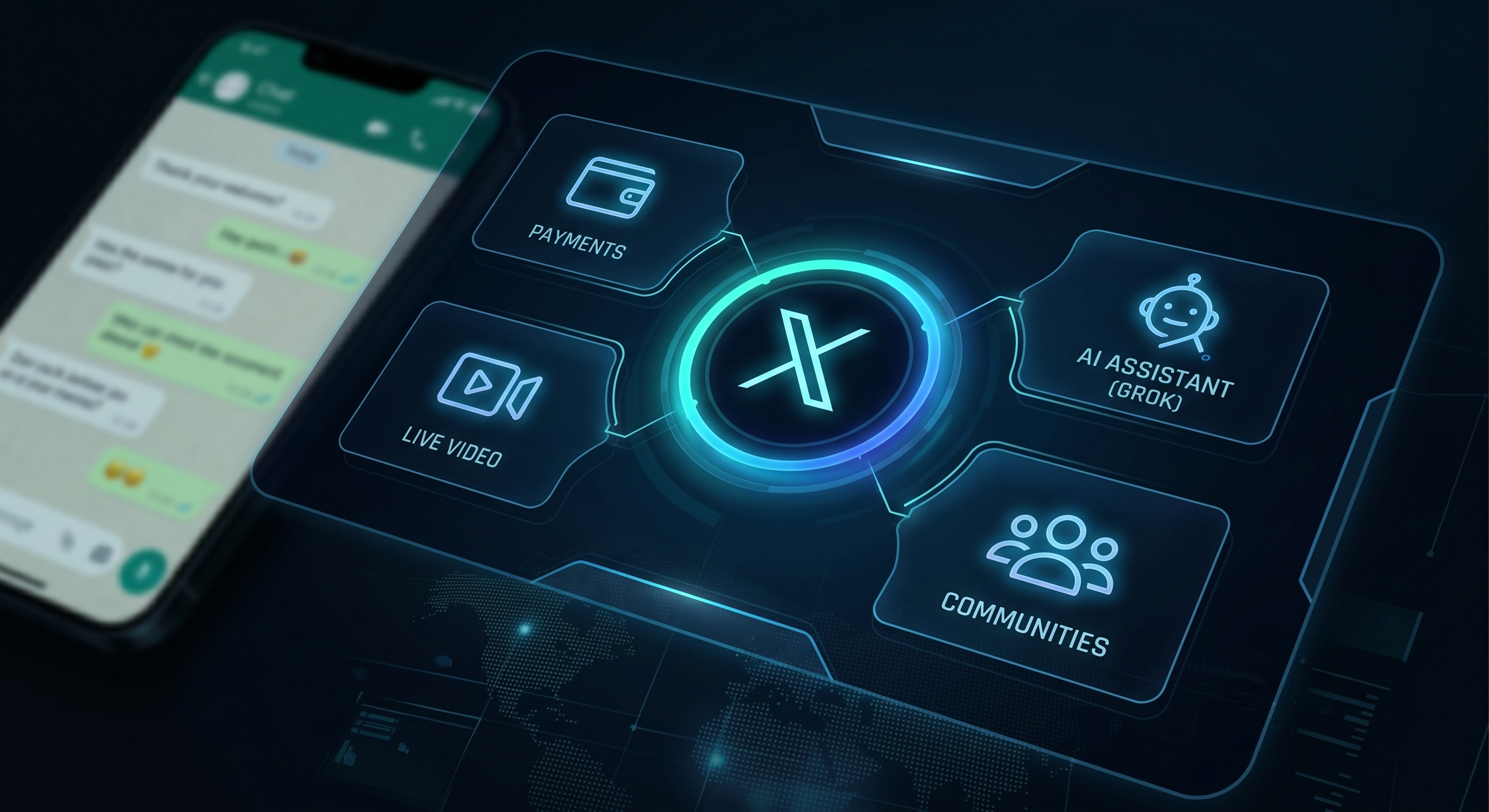
- XChat: Expected to lean heavily into AI integration (via Grok), long-form video sharing, and potentially peer-to-peer payments.
If you are a heavy user of AI tools, XChat’s integration with X’s internal AI models could be a game-changer for summarizing long conversations or finding information quickly.
3. User Interface (UI)
From a design perspective, WhatsApp feels like a utility—clean, functional, and familiar. XChat feels more like a media hub. If you enjoy a “dark mode” aesthetic and a fast-paced environment, XChat feels modern. If you prefer a calm, focused environment for chatting, WhatsApp remains the winner.
The “Everything App” Concept: Why It Matters
The real battle in the XChat vs WhatsApp saga is the fight for your time. Elon Musk has been vocal about his admiration for apps like WeChat in China, which handle everything from hailing a taxi to paying utility bills.
If XChat successfully integrates payments (X Payments), it moves from being a simple messenger to a financial tool. In practical experience, we’ve seen that once an app controls your money, it becomes very hard to delete. WhatsApp is also testing “WhatsApp Pay” in markets like India and Brazil, but it hasn’t seen global adoption yet. The race to become the West’s first true “Everything App” is the underlying motive here.
Potential Roadblocks for XChat
It isn’t all smooth sailing for a new challenger. Based on industry observations, XChat faces several hurdles:
- Trust Gaps: The polarizing nature of the X platform means some users are hesitant to move their private data there.
- Feature Parity: WhatsApp has a decade-long head start on refining voice call quality and low-data usage algorithms, which are vital in emerging markets.
- App Fatigue: Most users are tired of downloading new apps. Convincing someone to sign up for “yet another chat app” is a monumental marketing task.
Which One Should You Use?
In our view, the choice depends entirely on your digital footprint.
Stick with WhatsApp if:
- Your entire social and family circle is already there.
- You want a dedicated, simple space for messaging without social media noise.
- You live in a region where WhatsApp is the primary tool for business and infrastructure.
Try XChat if:
- You are already an active user of the X platform.
- You want to interact with creators and public figures in a more integrated way.
- You are excited about AI-driven features and the prospect of a multi-tool app.
The Verdict: Can XChat Actually Win?
In the short term, WhatsApp isn’t going anywhere. Its sheer scale makes it “too big to fail” for now. However, XChat represents a legitimate threat because it isn’t playing by the old rules. It isn’t just trying to be a better messenger; it’s trying to redefine what a messaging app is.
From practical experience, we know that users eventually follow utility. If XChat makes it easier to work, earn money, and consume news while chatting, a slow migration is inevitable. We likely won’t see a “WhatsApp killer” overnight, but rather a fragmentation of the market where different apps serve different parts of our lives.
The XChat vs WhatsApp rivalry is good for the consumer. Competition forces Meta to innovate and keeps the X team focused on user experience. Whether you prefer the reliability of the old guard or the bold vision of the newcomer, the way we talk to each other is about to get a lot more interesting.
Final Thoughts
As we move into a more AI-integrated world, the “simple messenger” may become a relic of the past. Whether it’s through the evolution of WhatsApp or the disruption of XChat, the future of digital communication will be more integrated, more intelligent, and more central to our daily lives than ever before. For now, the best approach is to keep an eye on both—and perhaps keep a folder for each on your home screen.