
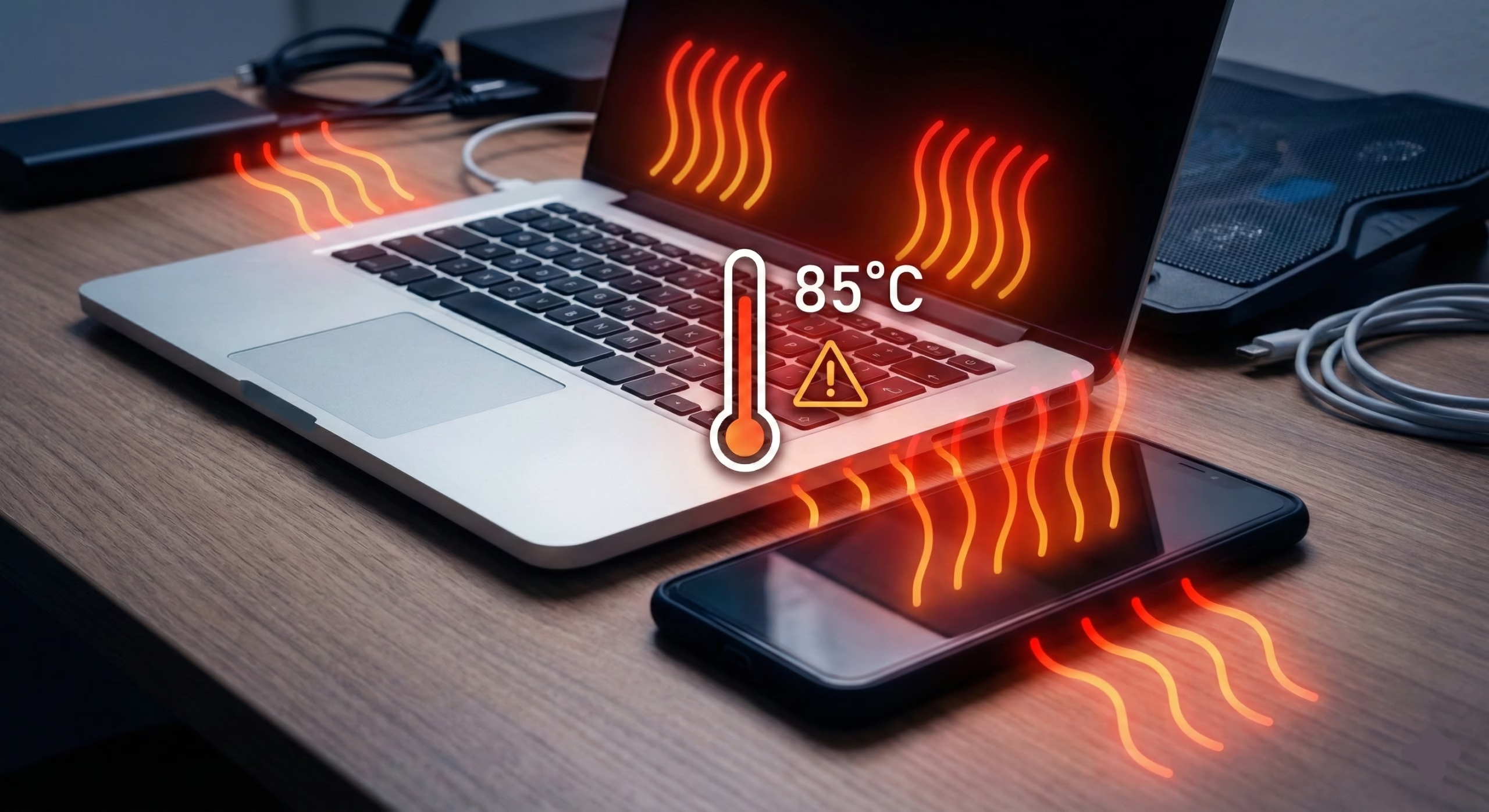

We’ve all experienced it at some point. You’re deep into a gaming session, editing a video, or just browsing the web with a dozen tabs open, and suddenly, the bottom of your laptop feels like a frying pan. Or maybe you’re navigating with your smartphone on a sunny summer day, and the screen dims out of nowhere while the back glass gets uncomfortably hot to the touch.
Dealing with laptop and phone overheating isn’t just annoying; it can actively ruin your user experience. When internal temperatures spike, your devices purposely slow themselves down—a process known as thermal throttling—to prevent permanent damage. Over time, chronic heat exposure can permanently degrade your battery and shorten the lifespan of crucial internal components.
So, why does this happen? We expect desktop-level performance from gadgets that are mere fractions of an inch thick. Let’s break down the practical, real-world reasons why our favorite gadgets turn into space heaters, and exactly what you can do to keep them cool.
The Basic Science: Where Does the Heat Come From?
Before diving into the fixes, it helps to understand why electronics get hot in the first place. Inside your laptop or phone is a processor (the CPU) and a graphics chip (the GPU). These tiny pieces of silicon contain billions of microscopic transistors. Every time you open an app, swipe a screen, or load a webpage, electricity pulses through these transistors.
Because no electronic component is 100% efficient, some of that electrical energy is lost as heat. It’s basic physics.
The main difference between your devices is how they handle that heat. Laptops usually have active cooling systems—copper pipes that pull the heat away from the chips and tiny fans that blow it out through exhaust vents. Smartphones, on the other hand, rely entirely on passive cooling. They don’t have fans; instead, they use their internal metal frames and the outer glass or aluminum shell to absorb and radiate the heat away into the surrounding air. When either of these cooling methods gets overwhelmed, temperatures spike.
The Most Common Culprits Behind Laptop and Phone Overheating
In my experience troubleshooting tech issues, people usually assume their device is broken when it starts running hot. However, nine times out of ten, the problem boils down to a few common usage habits or environmental factors.
1. Pushing the Hardware Beyond Its Comfort Zone
The most obvious reason your device is heating up is that you are asking it to do heavy lifting. Activities like playing graphic-intensive 3D games, rendering 4K video, or running complex software force the processor to operate at maximum capacity. When the CPU and GPU are running at 90% or 100% utilization, they draw the maximum amount of wattage from the battery, generating a massive amount of heat in the process. Thin-and-light laptops and compact phones simply don’t have the physical mass to dissipate that much heat quickly.
2. The Silent Killer: Dust, Lint, and Blocked Airflow
If you own a laptop that is more than a year old and it sounds like a jet engine taking off, dust is likely your main problem. Over months of use, laptop intake fans suck up microscopic dust particles, pet hair, and lint from your desk or lap. This debris builds up on the heatsink fins, creating a thick, felt-like barrier that traps hot air inside the chassis.
For smartphones, the “blocked airflow” equivalent is a heavy-duty, insulated phone case. While thick rubber and silicone cases do a fantastic job of protecting your phone from drops, they also act like a winter coat, trapping the heat against the back of the device where it desperately needs to escape.
3. The “Charging While Using” Trap
Many users notice that their devices get the hottest when they are plugged into the wall. As power flows from your charger into your battery, internal chemical reactions occur that naturally generate warmth. If you decide to do something demanding—like playing a heavy mobile game or streaming high-resolution video—while the device is fast-charging, you are essentially hitting the battery with a double-whammy of heat. The battery gets hot from taking in a charge, and the processor gets hot from running the game.
Wireless charging makes this even worse. Inductive charging is inherently less efficient than a physical cable connection, and a lot of that lost energy is converted directly into radiant heat.
4. Hot Environments and the Sun
Your gadgets can only cool themselves down to the temperature of the room they are in. If you are sitting on a patio in 95-degree summer weather, your phone’s baseline temperature is already high. Leaving a smartphone on a car dashboard while running GPS navigation on a sunny day is a guaranteed way to trigger an overheating warning. The dark glass of the screen absorbs solar radiation, pushing the internal temperature well past safe operating limits.
5. Rogue Apps and Software Glitches
Sometimes, laptop and phone overheating happens when the device is just sitting idle on a desk. This is almost always a software issue. A poorly coded app, a stuck background sync process, or an operating system glitch can cause the processor to get stuck in a high-power state. Instead of going to sleep, the CPU constantly crunches data in the background, quietly turning your battery power into unwanted heat.
Practical, Real-World Fixes for Laptops
Managing laptop temperatures is usually a matter of improving physical airflow and doing basic routine maintenance.
Give the Vents Room to Breathe From practical experience, one of the worst things you can do to a laptop is rest it directly on a bed, pillow, or thick blanket. Soft surfaces immediately conform to the bottom of the laptop, completely sealing off the intake fans. Always use your laptop on a hard, flat surface like a wooden desk. If you like working from the couch, invest in a cheap wooden lap desk to ensure the rubber feet on the bottom of the laptop can create a gap for air to flow.
Clean Out the Dust (Carefully) Every six months or so, power down your laptop and use a can of compressed air to blow out the exhaust vents. Hold the can upright and use short bursts to dislodge dust bunnies. If you are comfortable with tech repair (and your warranty has expired), opening the bottom panel to physically brush the dust out of the fans can drop operating temperatures dramatically.
Check Your Power Settings Both Windows and macOS have adjustable power profiles. If you are just typing a document or watching YouTube, you don’t need maximum processor performance. Switching your laptop to “Battery Saver” or “Balanced” mode limits the amount of power the CPU can draw, which inherently limits the amount of heat it can produce.
Actionable Solutions to Stop Your Phone from Overheating
Because phones lack moving fans, fixing their thermal issues requires changing a few daily habits.
Ditch the Bulky Case During Intense Tasks If you know you are going to be playing a high-end mobile game for an hour, or shooting a long 4K video, do your phone a favor and take it out of its case. Allowing the bare metal or glass back to interface directly with the air will drastically improve heat dissipation and keep your frame rates smoother.
Change Your Charging Habits Try to avoid heavily using your phone while it is connected to a fast charger. Let it sit on the desk and charge up to 80%, and then unplug it before you start your gaming session. Furthermore, if your phone tends to get excessively hot on a wireless charging pad, consider switching back to a traditional cable. It’s faster, more efficient, and infinitely better for the long-term health of your battery.
Manage Your Screen Brightness and Background Apps The display is one of the most power-hungry components on a smartphone. Leaving your screen at 100% maximum brightness forces the battery to discharge rapidly, creating heat. Turn on auto-brightness, or manually dial it down when you are indoors. Additionally, dive into your settings and restrict background app refresh for apps you rarely use. This prevents them from silently waking up your processor throughout the day.
When is Heat Actually a Warning Sign?
It is perfectly normal for electronics to get warm under load. However, if you have addressed all the software and airflow issues, and you still struggle with severe laptop and phone overheating, you might be dealing with hardware degradation.
Lithium-ion batteries naturally degrade over time. After a few years and several hundred charge cycles, the internal chemical resistance of the battery increases. This means an old, worn-out battery will naturally run significantly hotter than a brand new one. If your three-year-old phone gets uncomfortably hot just from scrolling through text-based social media, it might simply be time for a battery replacement.
More importantly, if you ever notice that your laptop chassis is bulging, or your phone screen is starting to lift away from the frame, stop using the device immediately. This is the sign of a swollen battery (often caused by long-term heat exposure), which is a serious fire hazard and should be handled by a professional repair shop.
Final Thoughts
Modern gadgets are incredibly powerful, but they are still bound by the laws of physics. Putting a highly capable processor inside a tiny, sealed enclosure means that heat management will always be a balancing act.
By understanding the root causes of laptop and phone overheating, whether it’s dust accumulation, suffocated airflow, intense multitasking, or poor charging habits, you can take simple steps to mitigate the problem. Keeping your devices clean, adjusting your software settings, and giving the hardware a little room to breathe won’t just make them more comfortable to hold; it will keep them running faster and living longer.